
Task #10477 (closed)
BUG: Birds eye position
| Reported by: | pwalczysko | Owned by: | jburel |
|---|---|---|---|
| Priority: | major | Milestone: | OMERO-4.4.7 |
| Component: | Insight | Version: | n.a. |
| Keywords: | Big images | Cc: | ux@… |
| Resources: | n.a. | Referenced By: | n.a. |
| References: | n.a. | Remaining Time: | 0.0d |
| Sprint: | 2013-04-09 (7)) |
Description
In Insight, Gretzky, build #177. User-6.
Import data_repo/Scotts User Images/Teaching? svs images/Beta set/47_Ovary.svs.
Zoom out to 0.4x.
The position of the bird's eye mismatches with the position of the image - in fact, the image is squeezed in top left corner - see screenshot.
Observed also on Testis.svs from the same folder and many other images.
Attachments (6)
Change History (14)
Changed 6 years ago by pwalczysko
comment:1 Changed 6 years ago by jburel
comment:2 Changed 6 years ago by jburel
comment:3 Changed 6 years ago by jburel
- Sprint changed from Bugs Fixing to 2013-04-09 (7))
Moved from sprint Bugs Fixing
comment:4 Changed 6 years ago by jburel
- Resolution set to fixed
- Status changed from new to closed
comment:5 Changed 6 years ago by jburel <j.burel@…>
(In [7b5ab507820e1ac126b819be3e71bd7a0f9390f1/ome.git] on branch develop) Review tile loading and resolution change (see #10477)
comment:6 Changed 6 years ago by pwalczysko
- Resolution fixed deleted
- Status changed from closed to reopened
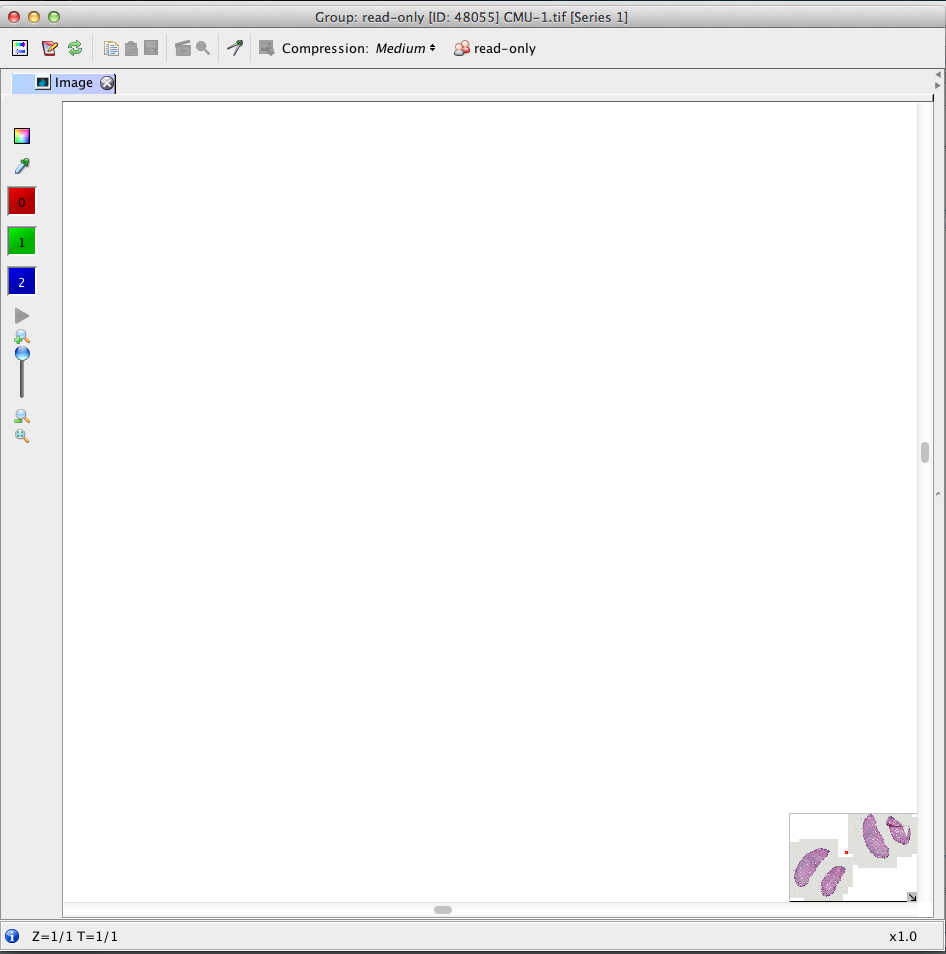
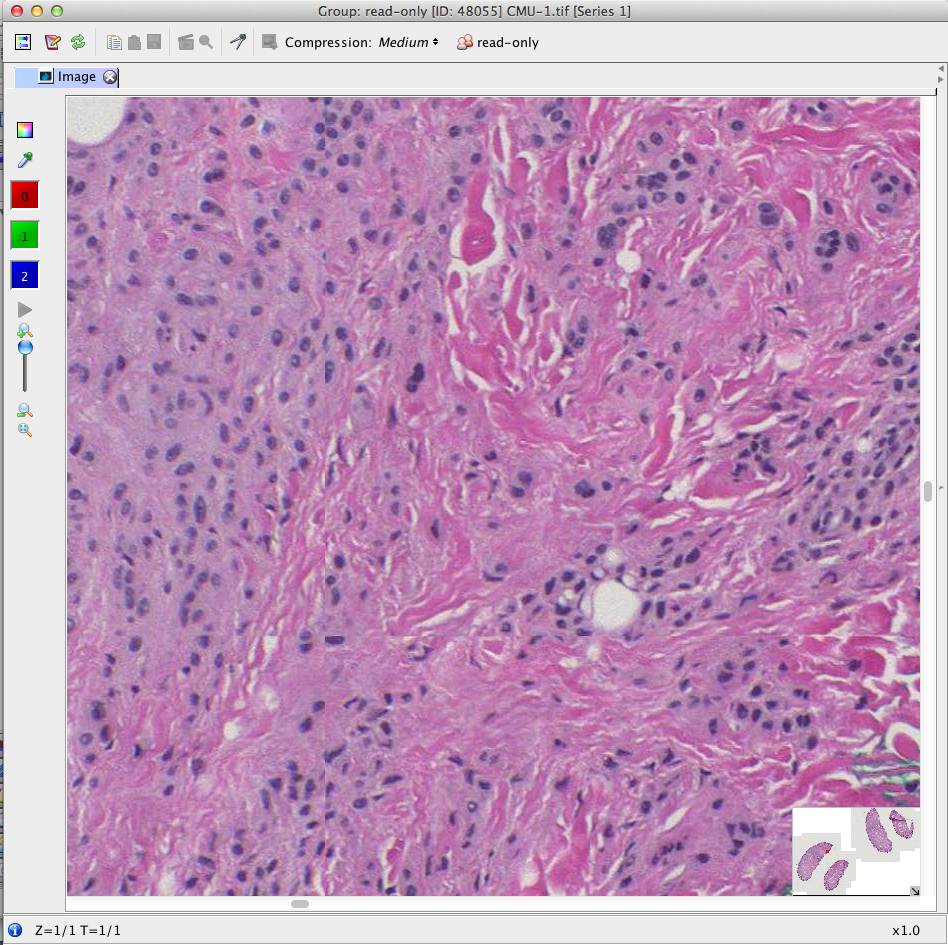
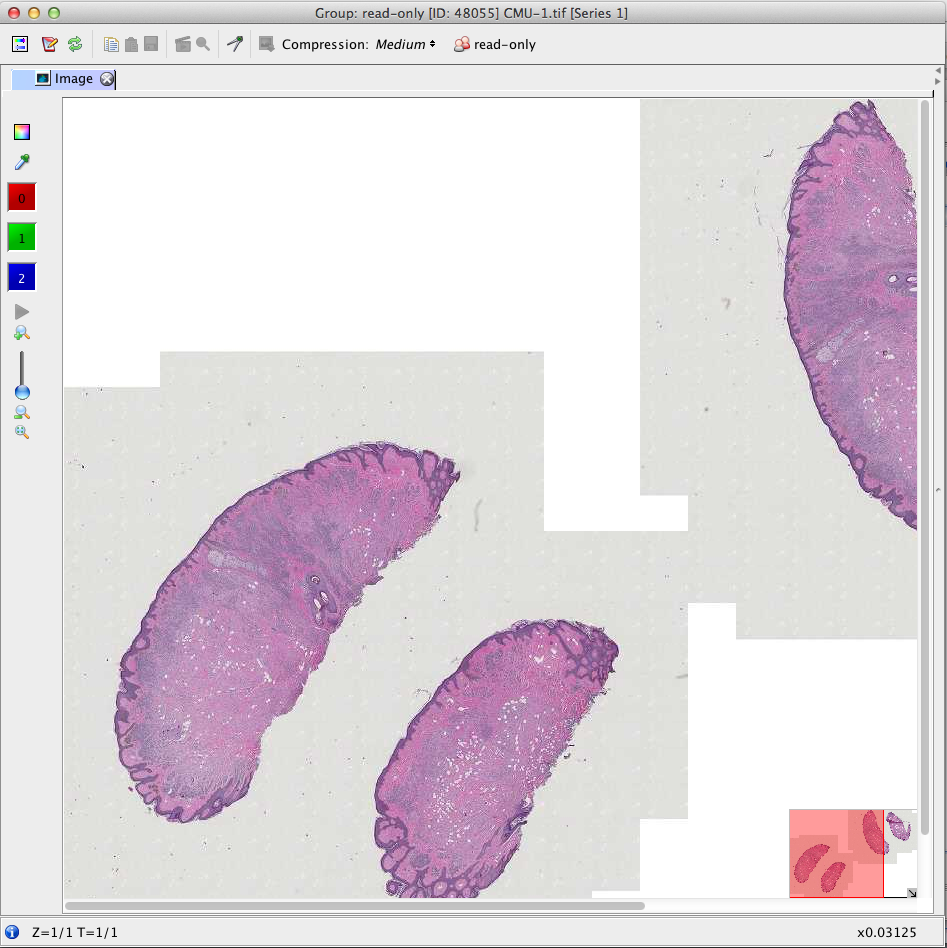
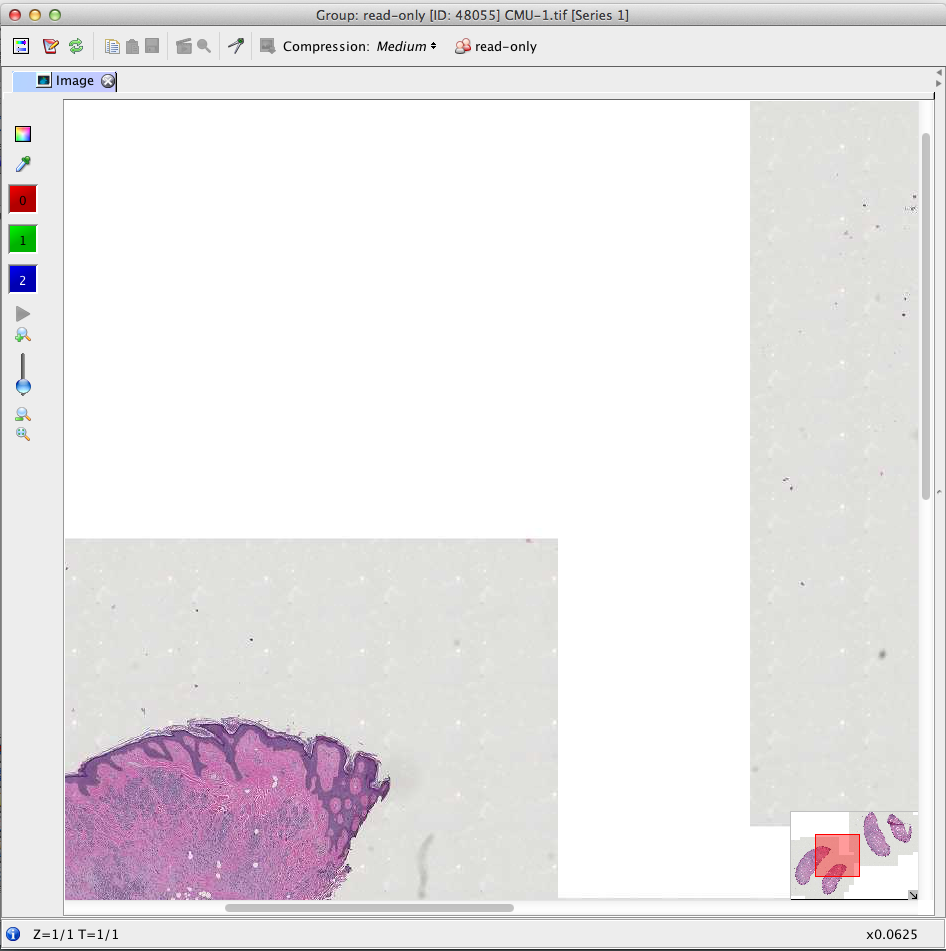
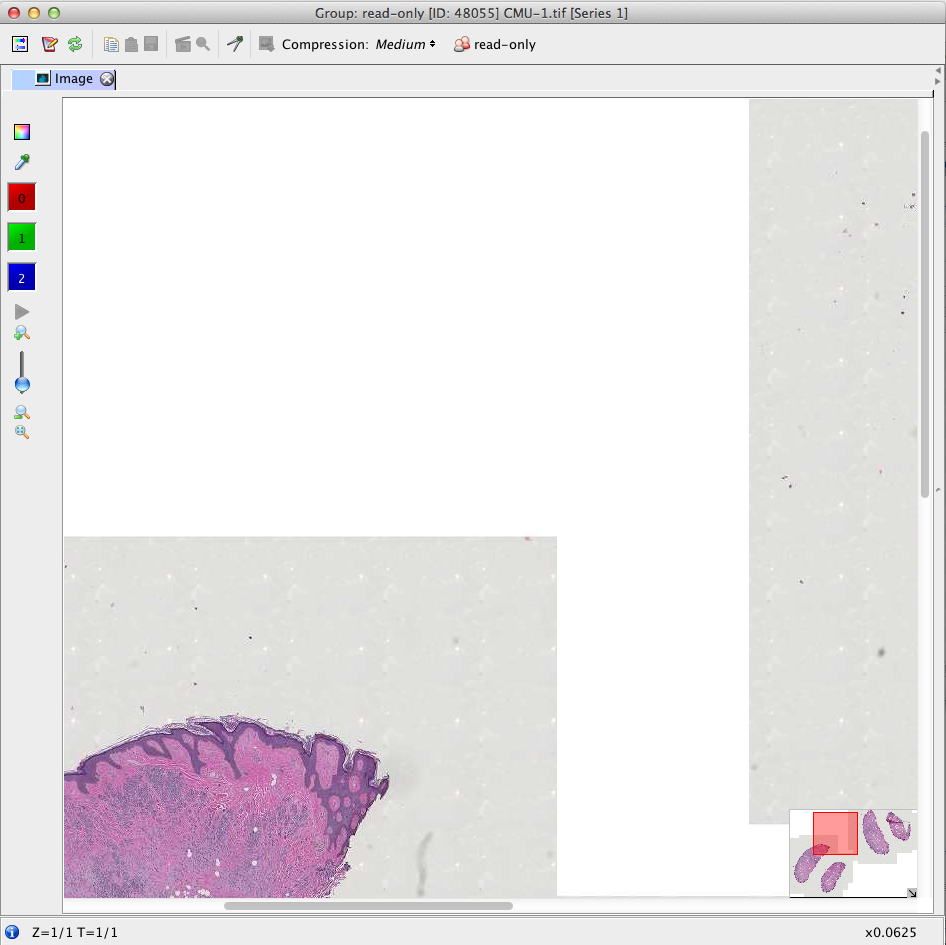
The mismatch, although mostly not there when not zooming in or out, occurs in following workflow (see screenshots step 1 - 5).
Image: Trestle CMU-1 (the biggest one), user-4, group read-only-1, Project editPetr Testing big Do not Delete, Dataset CMU-1, server Howe.
Build dev_4_4 #191.
step 1 Open the image. (the zoom is at max by default, the red square is small)
step 2 Using 1 mouse click into the birds eye, move the red square half way off centre, where the tissue/background border is (to the left it was in my case).
step 3 Zoom fully out in one go, dragging the scrollbar on the left fully down (red square grows at its maximal size). - this works fine, no mismatch there.
step 4 Zoom now 1 step in (one click onto the icon above the scrollbar on the left) - the mismatch is there
step 5 Click into the slider bar on the bottom of the main viewer - mismatch is resolved, but not by moving the main viewer (which would be expected), but by moving the red square => you are somewhere else than you intended to be
Changed 6 years ago by pwalczysko
Changed 6 years ago by pwalczysko
Changed 6 years ago by pwalczysko
Changed 6 years ago by pwalczysko
Changed 6 years ago by pwalczysko
comment:7 Changed 6 years ago by jburel
- Remaining Time set to 0
- Resolution set to fixed
- Status changed from reopened to closed
comment:8 Changed 6 years ago by jburel <j.burel@…>
(In [96572d5bd0f2f73caca7c3d371ba78db1f64579f/ome.git] on branch develop) Fix scrolling issue when zooming in/out (see #10477)






Did you notice the same problem on howe?