
Task #10911 (closed)
Opened 6 years ago
Closed 6 years ago
BUG: Images hidden when action not allowed
| Reported by: | pwalczysko | Owned by: | web-team@… |
|---|---|---|---|
| Priority: | blocker | Milestone: | 5.0.0-beta1 |
| Component: | Web | Version: | n.a. |
| Keywords: | n.a. | Cc: | ux@…, fs@…, mtbcarroll |
| Resources: | n.a. | Referenced By: | n.a. |
| References: | n.a. | Remaining Time: | n.a. |
| Sprint: | FS Demo 4.3 |
Description
Build OMERO.web 5.0.0-alpha1-1543-6df9497-dirty-ice33-b268. on Gretzky.
Select just one image out of 4 in a MIF.
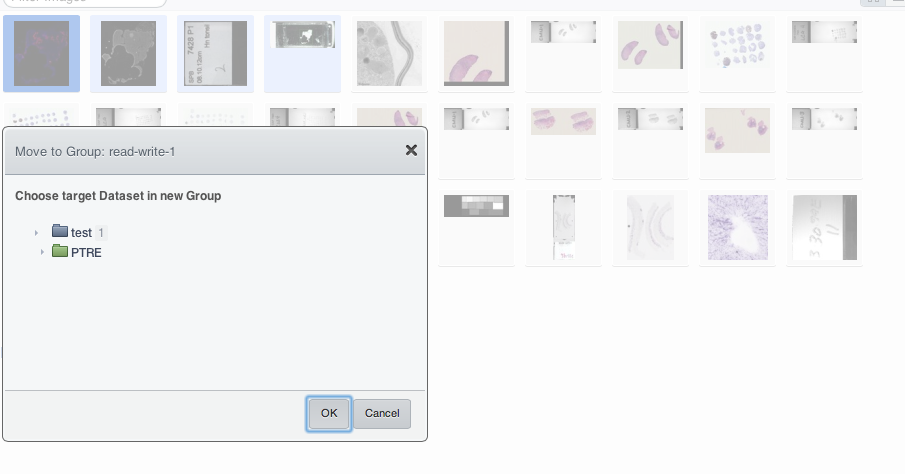
Do Delete or Move.
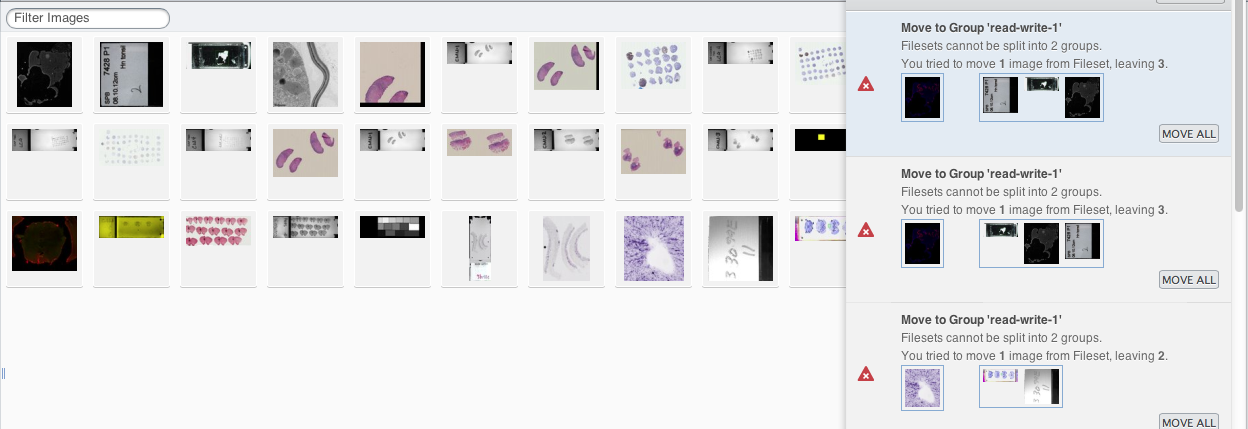
The action is not allowed.
Proceed anyway.
After clicking OK, the selected image is removed from display immediately, suggesting the action is going ahead. (see screenshot)
Activities window will give you the information that the action failed. (see screenshot)
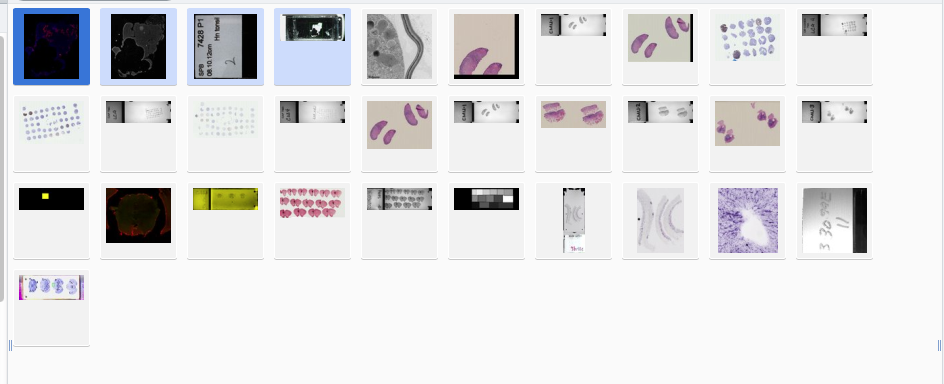
After the activity is finished (unsuccessfully as expected), the selected image is still not in view. (see screenshot)
Only after the Refresh button is clicked the selected image is back. (see screenshot)
Attachments (3)
Change History (5)
Changed 6 years ago by pwalczysko
Changed 6 years ago by pwalczysko
Changed 6 years ago by pwalczysko
comment:1 Changed 6 years ago by jburel
- Sprint changed from FS demo 4.2 to FS Demo 4.3
comment:2 Changed 6 years ago by wmoore
- Resolution set to fixed
- Status changed from new to closed
Improved workflow in https://github.com/openmicroscopy/openmicroscopy/pull/1221
Note: See
TracTickets for help on using
tickets.
You may also have a look at Agilo extensions to the ticket.




Moved from sprint FS demo 4.2