
Task #5719 (closed)
Opened 8 years ago
Closed 8 years ago
Bug: Odd zoom behavior in insight
| Reported by: | jamoore | Owned by: | jburel |
|---|---|---|---|
| Priority: | minor | Milestone: | OMERO-Beta4.3 |
| Component: | Insight | Version: | n.a. |
| Keywords: | n.a. | Cc: | |
| Resources: | n.a. | Referenced By: | n.a. |
| References: | n.a. | Remaining Time: | 0.0d |
| Sprint: | 2011-06-16 (14) |
Description
- Scroll to bottom/right
- Zoom all the way out
- The image is lost to the top/right
- Move scrollbars
- The bird's eye view moves! (see screenshot)
Attachments (1)
Change History (5)
Changed 8 years ago by jmoore
comment:1 Changed 8 years ago by jburel
comment:2 Changed 8 years ago by jburel
- Remaining Time set to 0.3
- Sprint set to 2011-06-16 (14)
- Status changed from new to accepted
Several problems here:
- bird eye is added to the layer pane. Need to be modified.
- The layered pane is not centered. To be reviewed, this has other impact.
comment:3 Changed 8 years ago by jburel <j.burel@…>
(In [fd3897d80e192b0d10cfaead268fdf7c25833eaf/ome.git] on branch develop) Modify the layout of the bird eye view. The component is now added to the glassPane (see #5719)
comment:4 Changed 8 years ago by jburel <j.burel@…>
- Remaining Time changed from 0.3 to 0
- Resolution set to fixed
- Status changed from accepted to closed
(In [6ab114b32b13a978b558a1432cc76ca77d81be0a/ome.git] on branch develop) Improve zooming behavior (close #5719)
Note: See
TracTickets for help on using
tickets.
You may also have a look at Agilo extensions to the ticket.


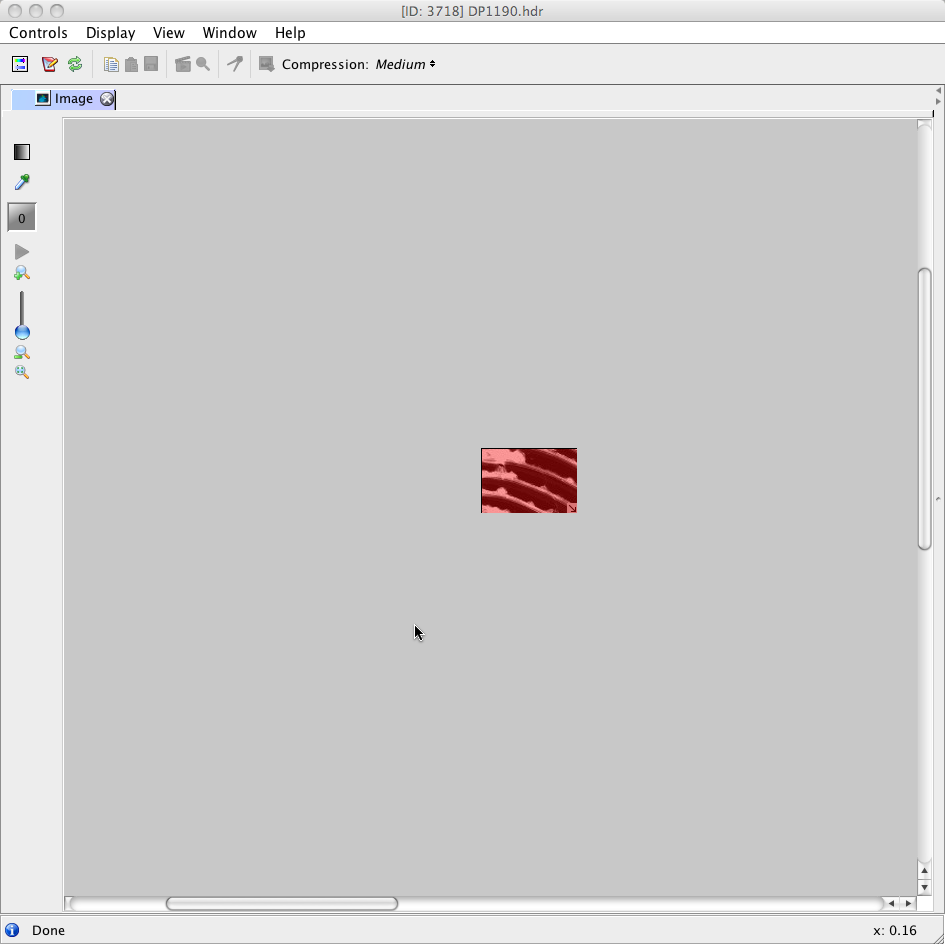
currently when zooming in/out the image is not centered. The birdeye view is currently added to a layer pane.
I will review that asap