
User Story #888 (closed)
Opened 11 years ago
Closed 11 years ago
Possible way to develope collaboration for Omero
| Reported by: | atarkowska | Owned by: | atarkowska |
|---|---|---|---|
| Priority: | major | Milestone: | OMERO-Beta4 |
| Component: | Web | Keywords: | n.a. |
| Cc: | scottloynton@…, jamoore, jburel | Story Points: | n.a. |
| Sprint: | n.a. | Importance: | n.a. |
| Total Remaining Time: | n.a. | Estimated Remaining Time: | n.a. |
Description (last modified by atarkowska)
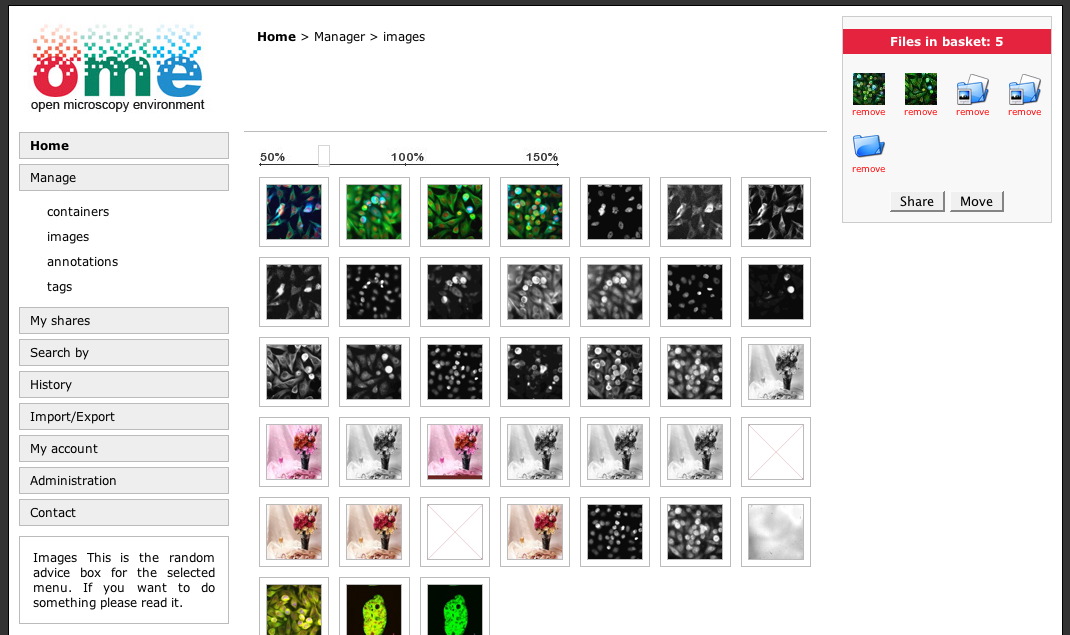
OMERO.collaboration is the web application based on Django http://www.djangoproject.com/ - high-level Python Web framework and cooperates with Blitz server to manage and share datas from the OMERO.server.
The application is not only the "thin client" to manage images, datasets, projects, annotations, tags, etc., it will refer to a trend in web design and development - WEB 2.0 - a perceived second generation of web-based communities and hosted services (such as social-networking sites, wikis, blogs, and folksonomies) which aim to facilitate creativity, collaboration, and sharing between users.
The functionality and attitudes of the application:
Dictionary:
user - member of the system,
group - group with users,
people - users and rest of the world,
CMS - Content Management System.
Object – type of file or object which is supported by the server (image, container, attachment, tag, etc.)
1. Manage:
- Users Own images, files etc. no one has access to and not shared as default configuration.
- Multi-objects work.
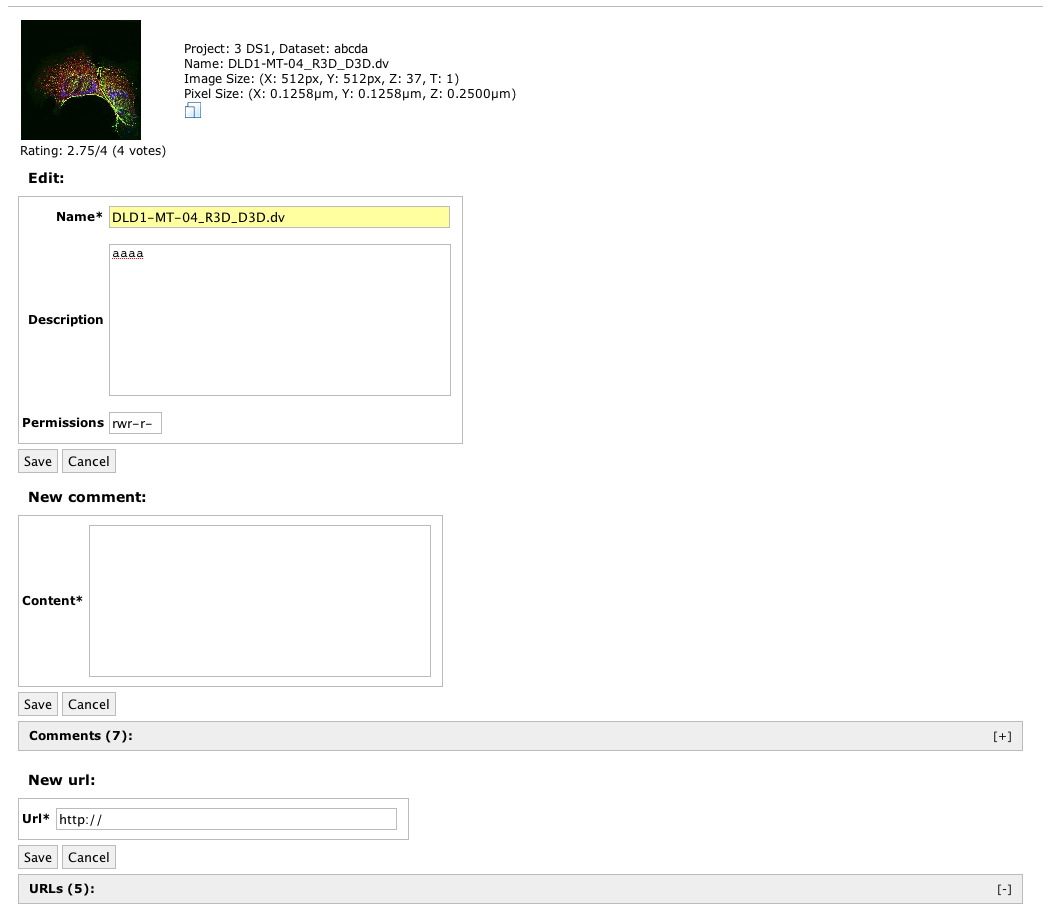
- Permissions based on Unix approach - read, write for: private, group, everyone - default permissions for item is private can be changed if required.
- Accessible/available files stored inside the system by other users
- Intranet items - shared items for the place where system is installed.
- Internet items - shares and publications.
- Importing files.
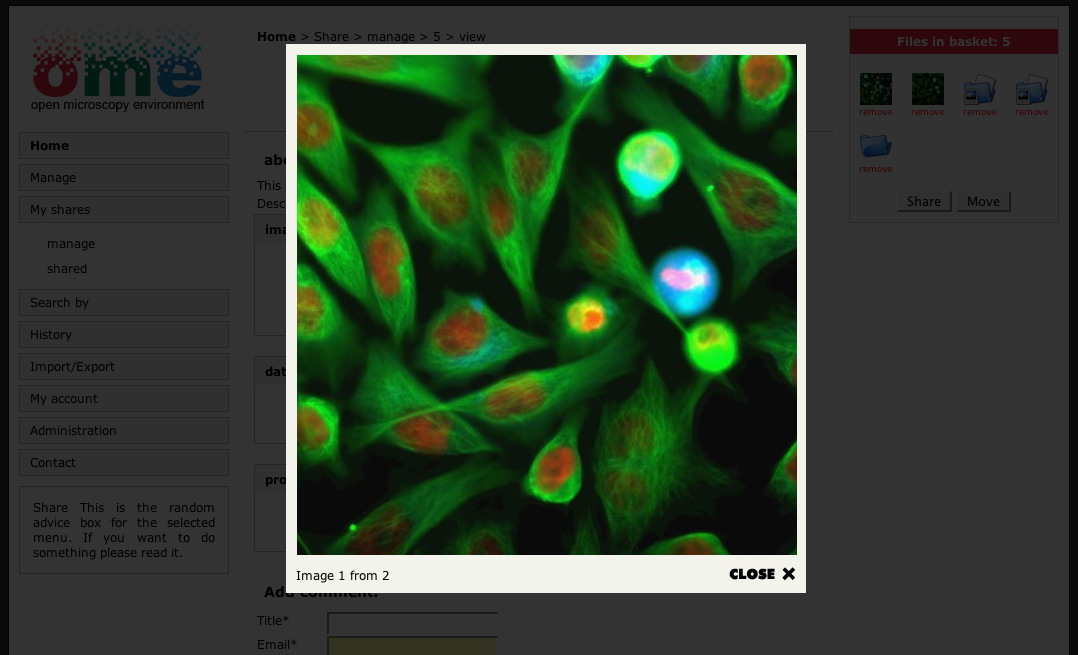
2. View:
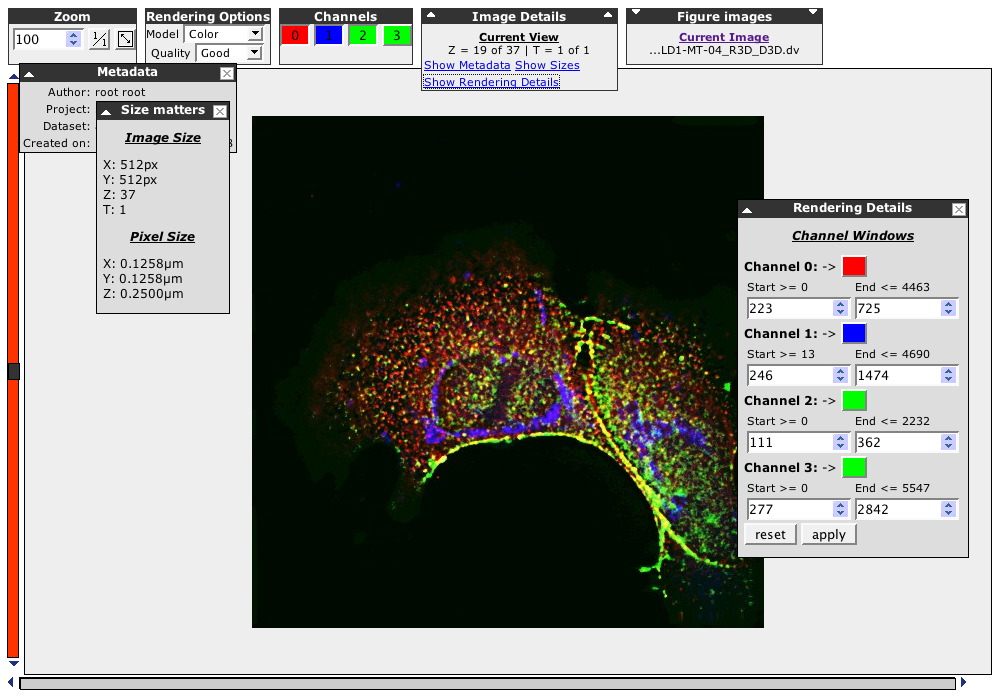
- Supported images by the viewer.
- Not supported file by the software installed on the user's computer like PDF, MsOffice? documents.
- Building user’s own viewer for printing out (for example to PDF)
3. Annotate:
- By attaching personal notes, remarks, links and relationships to other resources, terms from ontologies or controlled vocabularies, ratings and local files such as images, or PDF, MsOffice? documents.
4. Tagging.
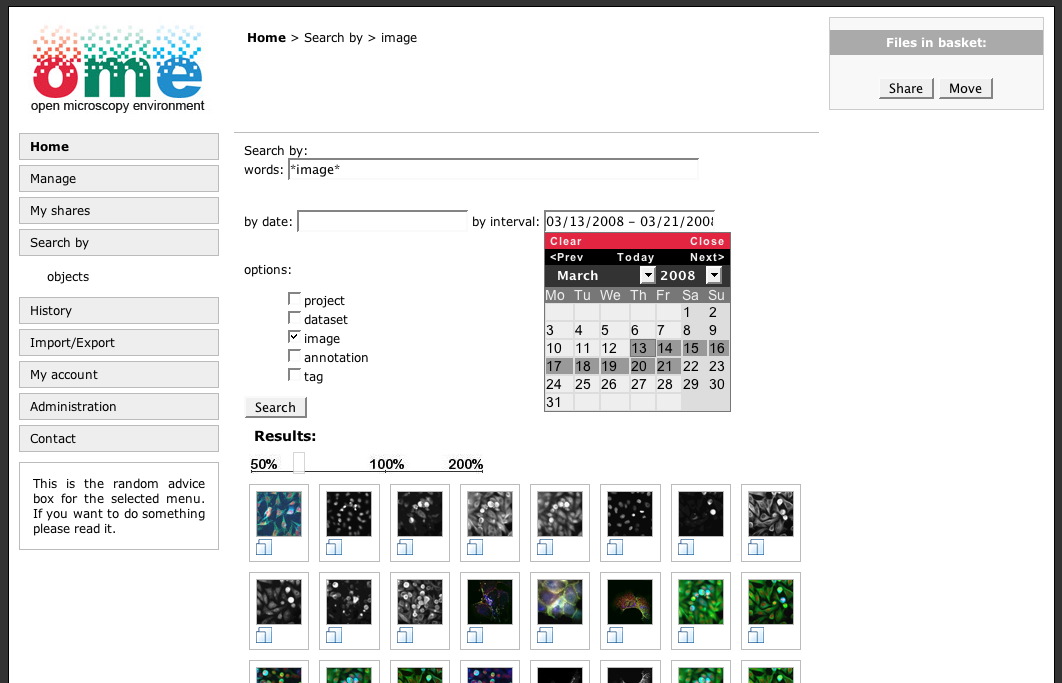
5. Search:
- Search and analyze data to find relevant content.
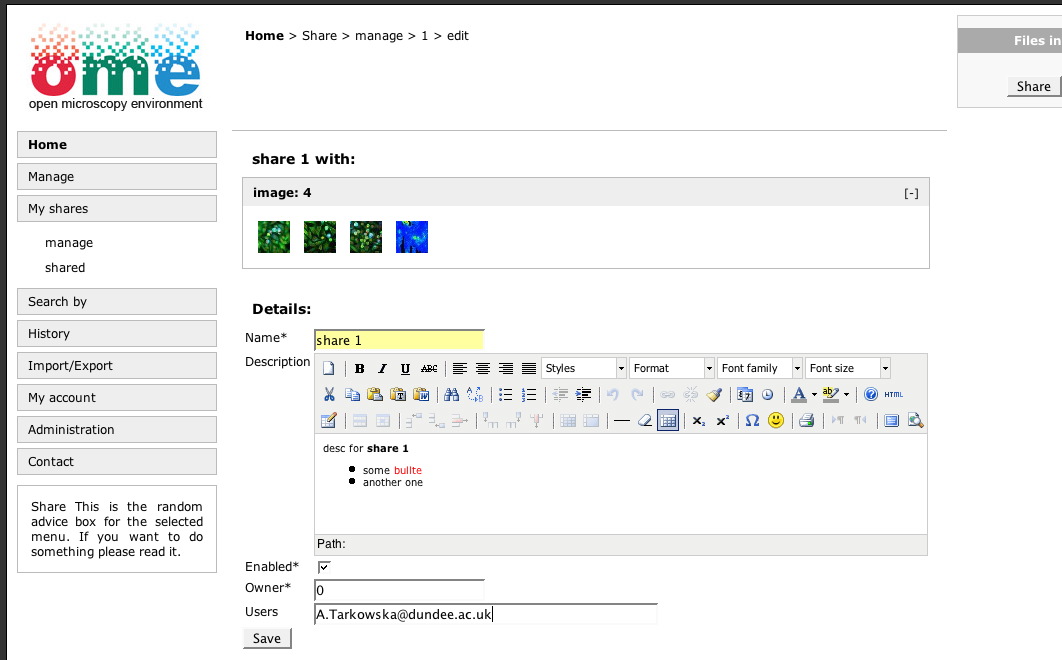
6. Collaborate:
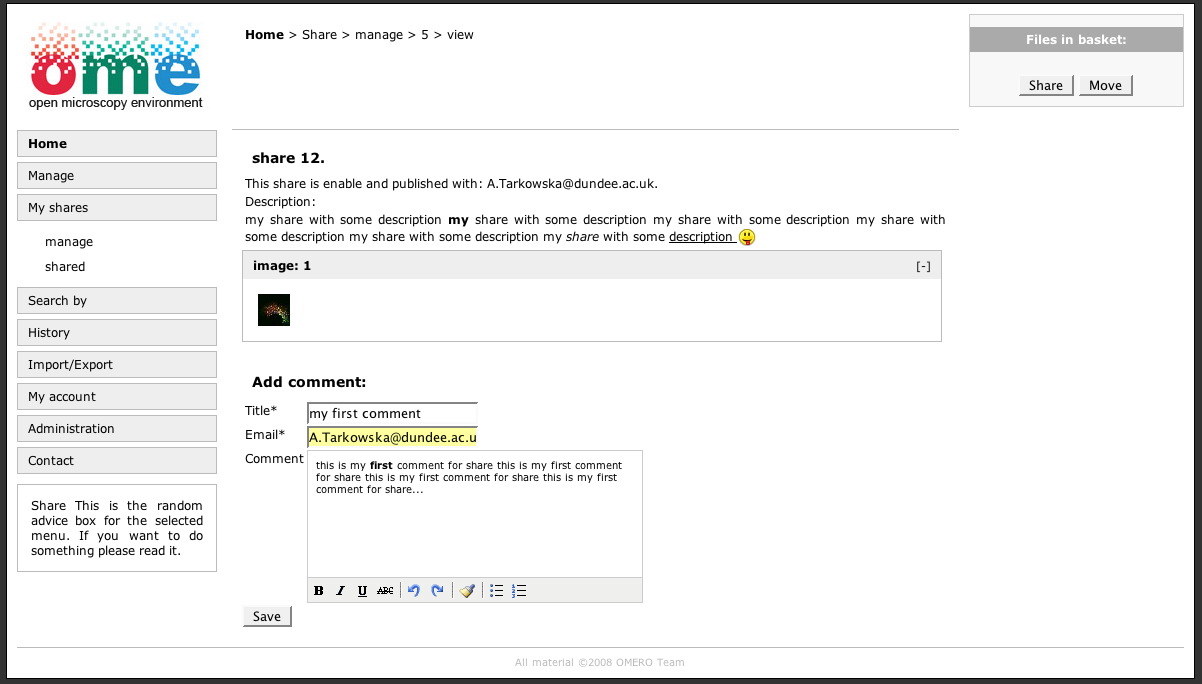
- Prepare package you would like to share with people.
- Define list of users who can have an access to this package (don't have to think about changing permissions for file if they are private).
- Collaborative discussions (over single thread) about the content with people from your contact list.
7. Publish:
- Finalize your work by the publishing chosen content.
8. History and tasks:
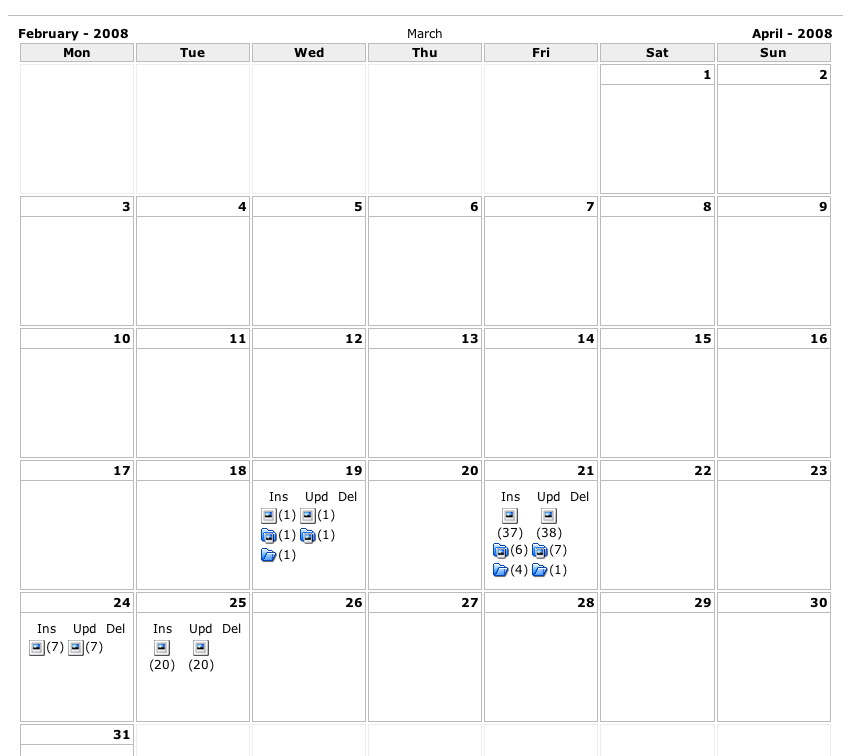
- Managing calendar
- Creating tasks
9. Custom area:
- Front page - place for information about institution, work, etc. (about us, what does lab do, etc.).
10. Private area:
- Pages for single user with CMS.
- Pages for groups with CMS.
Attachments (8)
Change History (25)
Changed 11 years ago by atarkowska
Changed 11 years ago by atarkowska
Changed 11 years ago by atarkowska
comment:1 Changed 11 years ago by atarkowska
- Cc scottloynton@… added
Changed 11 years ago by atarkowska
Changed 11 years ago by atarkowska
Changed 11 years ago by atarkowska
Changed 11 years ago by atarkowska
comment:2 Changed 11 years ago by atarkowska
comment:3 Changed 11 years ago by atarkowska
- Description modified (diff)
comment:4 Changed 11 years ago by jmoore
- Cc jmoore added
comment:5 Changed 11 years ago by atarkowska
- Description modified (diff)
comment:6 Changed 11 years ago by atarkowska
- Description modified (diff)
comment:7 Changed 11 years ago by atarkowska
- Description modified (diff)
comment:8 Changed 11 years ago by atarkowska
- Description modified (diff)
comment:9 Changed 11 years ago by atarkowska
- Description modified (diff)
comment:10 Changed 11 years ago by atarkowska
- Description modified (diff)
Changed 11 years ago by atarkowska
comment:11 Changed 11 years ago by atarkowska
- Priority changed from minor to major
comment:12 Changed 11 years ago by atarkowska
- Status changed from new to assigned
comment:13 Changed 11 years ago by atarkowska
Preparing interface r2557
comment:14 Changed 11 years ago by atarkowska
comment:15 Changed 11 years ago by atarkowska
comment:16 Changed 11 years ago by atarkowska
- Cc jburel added
comment:17 Changed 11 years ago by atarkowska
- Resolution set to fixed
- Status changed from assigned to closed
this ticket is a part of #1148









The functionality and attitudes of the application:
Dictionary:
user - member of the system,
group - group with users,
people - users and rest of the world,
CMS - Content Management System.
1. Manage:
2. View:
3. Annotate:
4. Search:
5. Collaborate:
6. Publish:
7. Custom area:
8. Private area: