
Task #9647 (closed)
BUG: Import proj & dataset created in wrong group
| Reported by: | eehill | Owned by: | jburel |
|---|---|---|---|
| Priority: | blocker | Milestone: | OMERO-4.4.4 |
| Component: | Insight | Version: | n.a. |
| Keywords: | n.a. | Cc: | jburel |
| Resources: | n.a. | Referenced By: | n.a. |
| References: | n.a. | Remaining Time: | 0.0d |
| Sprint: | 2012-09-25 (5) |
Description
Import problem as user-12 when importing into read-annotate. Despite trying to import into the read-annotate group, projects are being created in the read-only group. Datasets however are bring created in the read-annotate group when I select 'new from folder' or in the read-only group if I choose and define a new dataset name.
Attachments (2)
Change History (9)
comment:1 Changed 7 years ago by eehill
- Summary changed from Import proj & dataset created in wrong group to BUG: Import proj & dataset created in wrong group
comment:2 Changed 7 years ago by eehill
comment:3 Changed 7 years ago by jburel
- Remaining Time set to 0.25
- Status changed from new to accepted
To test:
- log as user-12
- Click on Import
- Select a collection of images to import. You need enough file to start a new import before the first one has finished
- Select group e.g. read-annotate-1
- Select New from Folder
- Click import
- Select same images, they should still be selected.
- Select another group e.g. private-1
- Click new for dataset.
- Click import.
- When the first import is completed, the second will automatically start and the images should be linked to the newly created dataset in the second group i.e. private-1
Changed 7 years ago by jburel
Changed 7 years ago by jburel
comment:4 Changed 7 years ago by jburel
- Remaining Time changed from 0.25 to 0
- Resolution set to fixed
- Status changed from accepted to closed
comment:5 Changed 7 years ago by jburel
G&T required while testing that one ;-)
comment:6 Changed 7 years ago by jburel <j.burel@…>
(In [cc8011d9e3d7b03c90a1922a6e6dc73b11c0f469/ome.git] on branch develop) Fix import issue when importing into 2 groups (see #9647)
comment:7 Changed 7 years ago by Josh Moore <josh@…>
(In [21001d8fceaa76ef9a44538d91110f71f81be95d/ome.git] on branch develop) Merge pull request #380 from jburel/import-bugs
Fix import issue when importing into 2 groups (see #9647)
Note: See
TracTickets for help on using
tickets.
You may also have a look at Agilo extensions to the ticket.


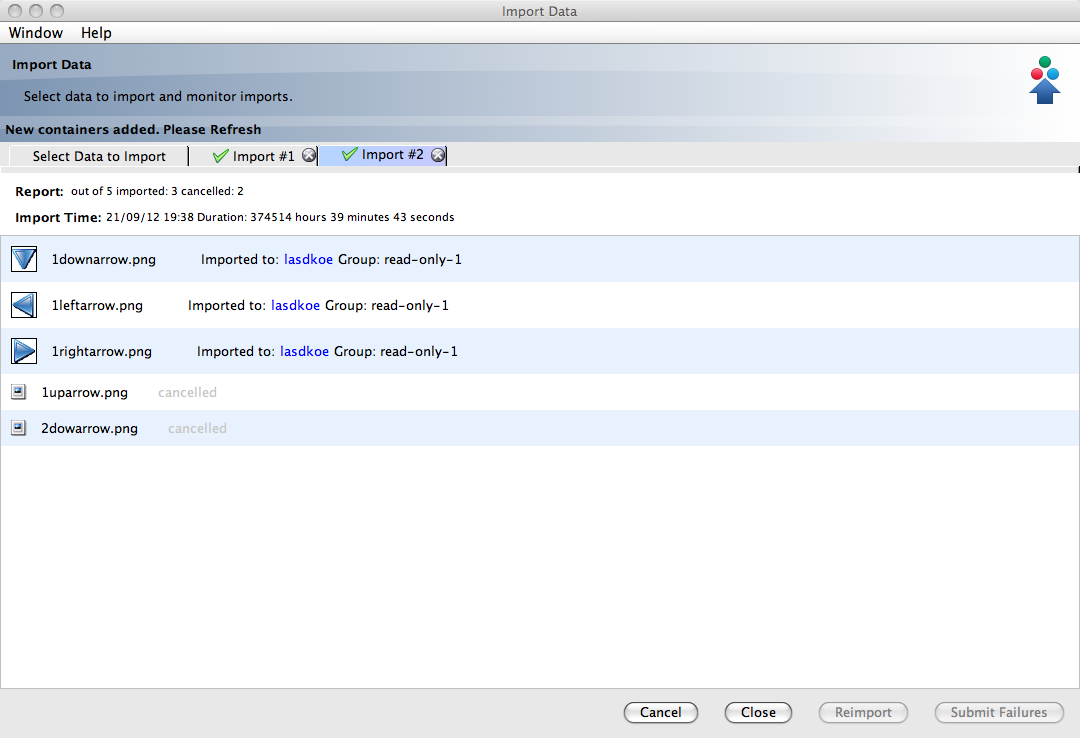

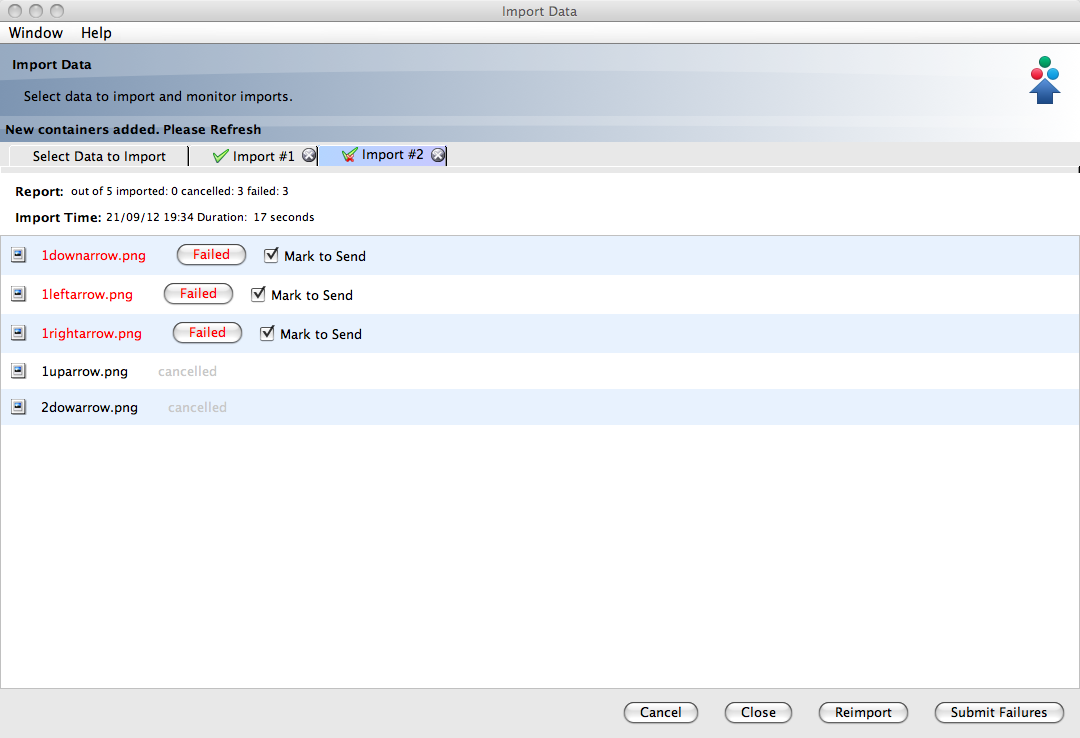
reproduced - this appears to happen when you already have one import underway into a group, and then start selecting a second set of images to import into a different group