
Task #9751 (closed)
Bug: Insight does not display thumbnails for big Canon images until image is viewed
| Reported by: | rleigh | Owned by: | pwalczysko |
|---|---|---|---|
| Priority: | major | Milestone: | 5.0.0-rc1 |
| Component: | Insight | Version: | 4.4.9 |
| Keywords: | FS | Cc: | ux@…, fs@… |
| Resources: | n.a. | Referenced By: | n.a. |
| References: | n.a. | Remaining Time: | n.a. |
| Sprint: | OMERO 5 Beta 2 (1) |
Description
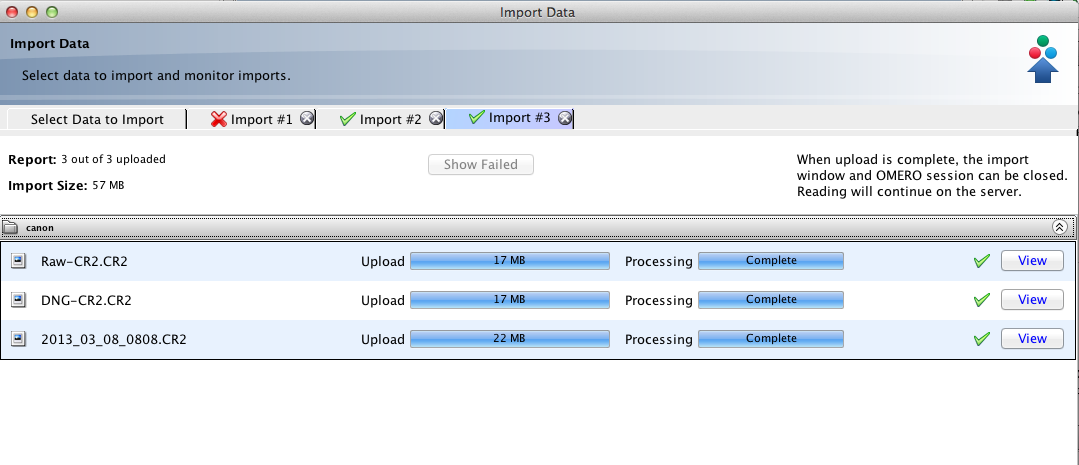
Imported test_images_good/canon.
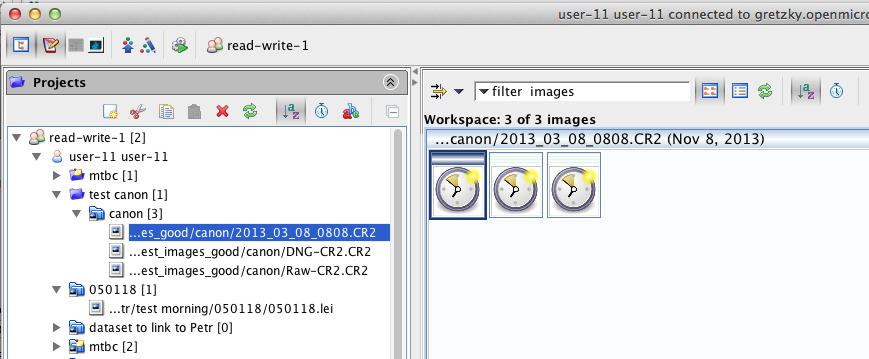
After pyramids have been generated, thumbnails are not displayed in insight.
The images are viewable. Thumbnails (for all three images) appear as soon as the first image is viewed, so it appears that the thumbnails have been generated server-side, but Insight is not displaying them.
Attachments (10)
Change History (32)
comment:1 Changed 7 years ago by jburel
comment:2 Changed 6 years ago by jburel
- Milestone changed from OMERO-4.5 to OMERO-5
comment:3 Changed 6 years ago by jburel
No problem viewing the canon image using dev_4_4
comment:4 Changed 6 years ago by jburel
- Cc ux@… fs@… added
- Sprint set to FS Demo 4.3
comment:5 Changed 6 years ago by jburel
- Sprint changed from FS Demo 4.3 to FS demo 4.4
Moved from sprint FS Demo 4.3
comment:6 Changed 6 years ago by jburel
- Owner changed from jburel to pwalczysko
Could you test that today?
comment:7 Changed 6 years ago by pwalczysko
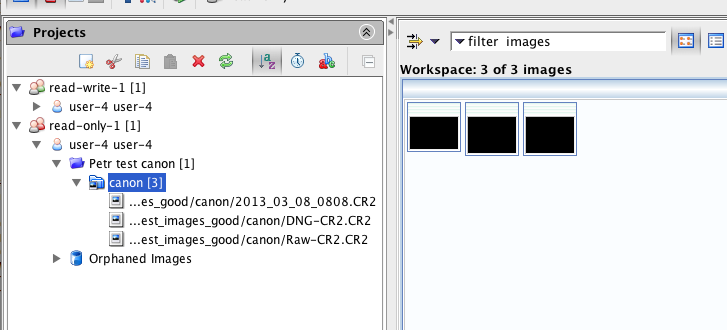
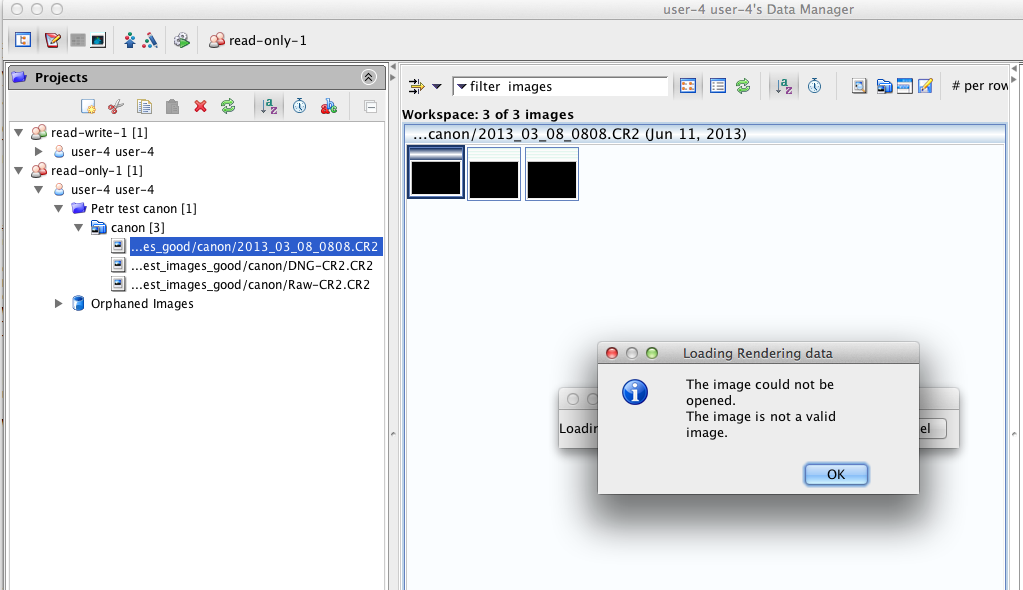
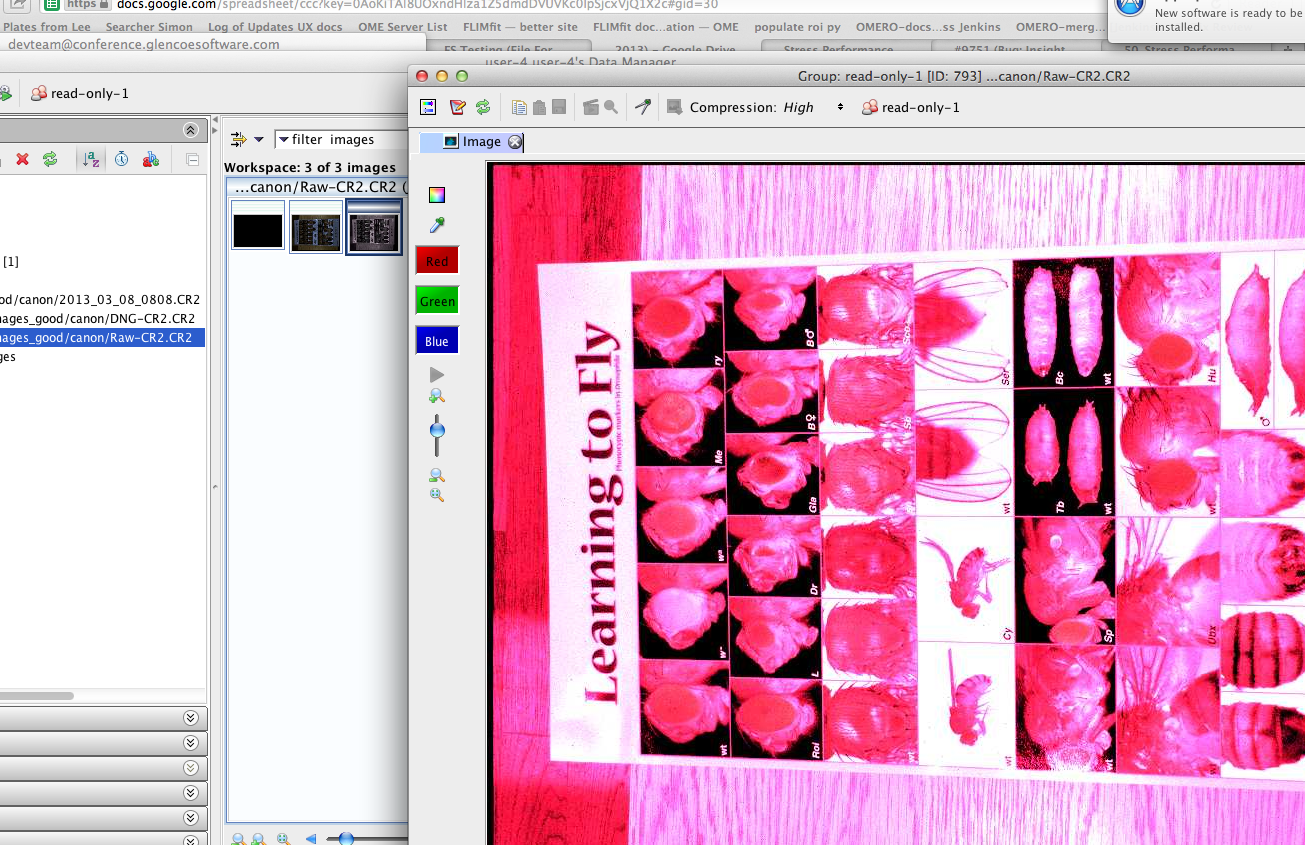
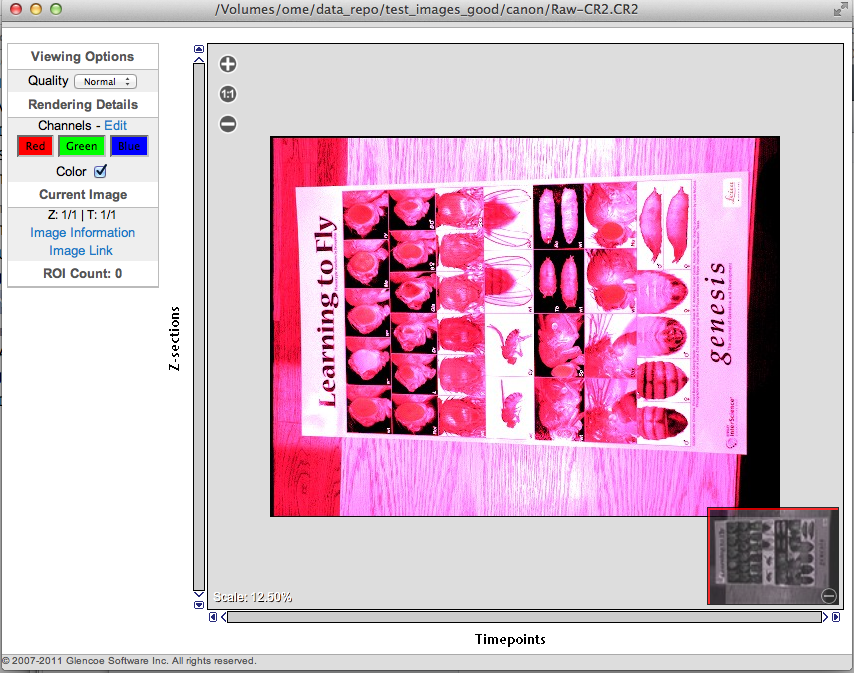
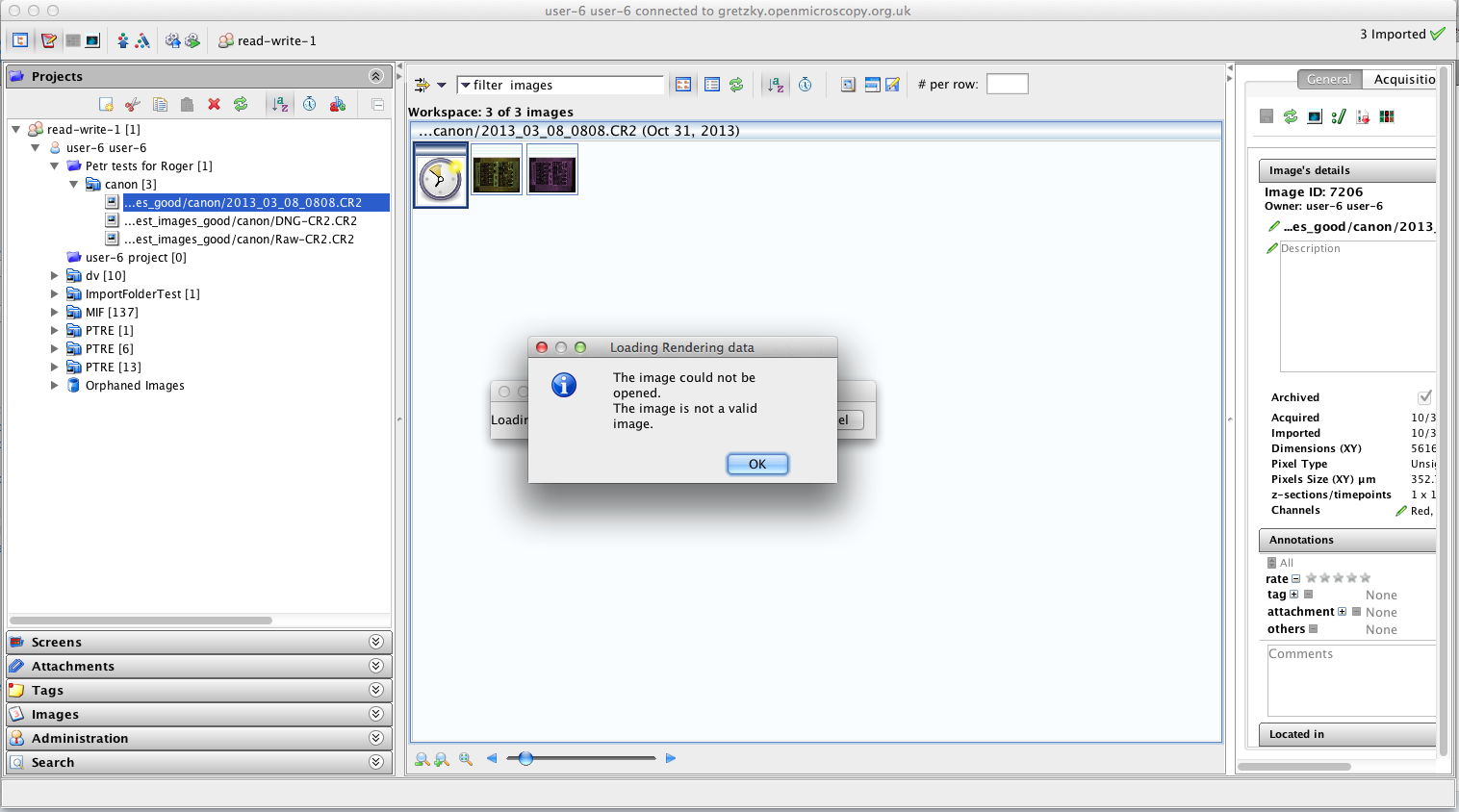
Tried today with develop build on Gretzky. Possibly something slightly different then reported above - the thumbnails do not appear somehow later after image is opened in viewer as reported, but they simply do not correspond with the main viewer. See screenshots.
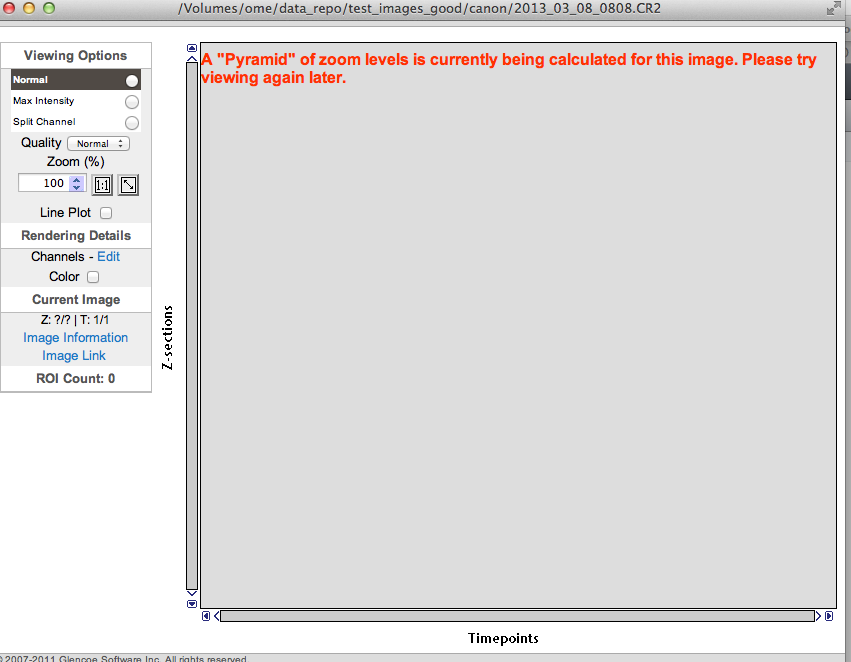
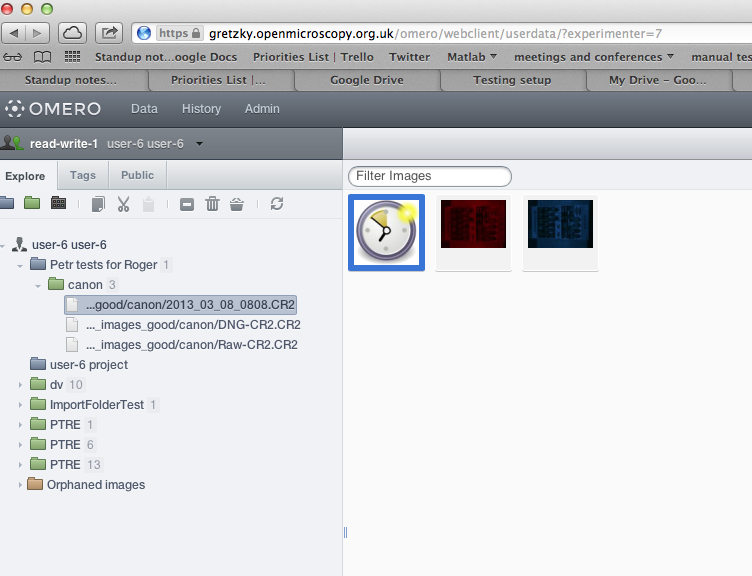
Also, the first thumb is being shown as black in Insight (no clock placeholder) and it produces "image not valid" message in Insight. In Web, on the other hand, it produces "pyramids are being calculated" message and is displayed with usual placeholder. See screenshots.
Changed 6 years ago by pwalczysko
Changed 6 years ago by pwalczysko
Changed 6 years ago by pwalczysko
Changed 6 years ago by pwalczysko
Changed 6 years ago by pwalczysko
comment:8 Changed 6 years ago by pwalczysko
Please note that the discrepancy between thumbs and viewer in images nr. 2 and 3 is not caused by non-saved rendering changes. The changes are saved. Even when Insight was closed and started up again, the discrepancy between thumbs and viewer is still there.
comment:9 Changed 6 years ago by pwalczysko
In summary - even when the original bug is possibly not valid, there is something strange going on with thumbnails in this format.
comment:10 Changed 6 years ago by pwalczysko
- Owner pwalczysko deleted
comment:11 Changed 6 years ago by jamoore
Is the lack of correspondence perhaps caused by the DB being dropped but Thumbnails/ not being cleaned up?
comment:12 Changed 6 years ago by pwalczysko
I don't know - but this was done on Gretzky. I would suppose that the Thumbnails/ would have been cleaned up automatically.
comment:13 Changed 6 years ago by jburel
- Sprint changed from FS demo 4.4 to FS demo 4.x
comment:14 Changed 6 years ago by jburel
- Owner set to pwalczysko
- Version set to 4.4.9
Petr could you check if we still have an issue with the format?
comment:15 Changed 6 years ago by pwalczysko
- Milestone changed from OMERO-5 to 5.0.0-beta1
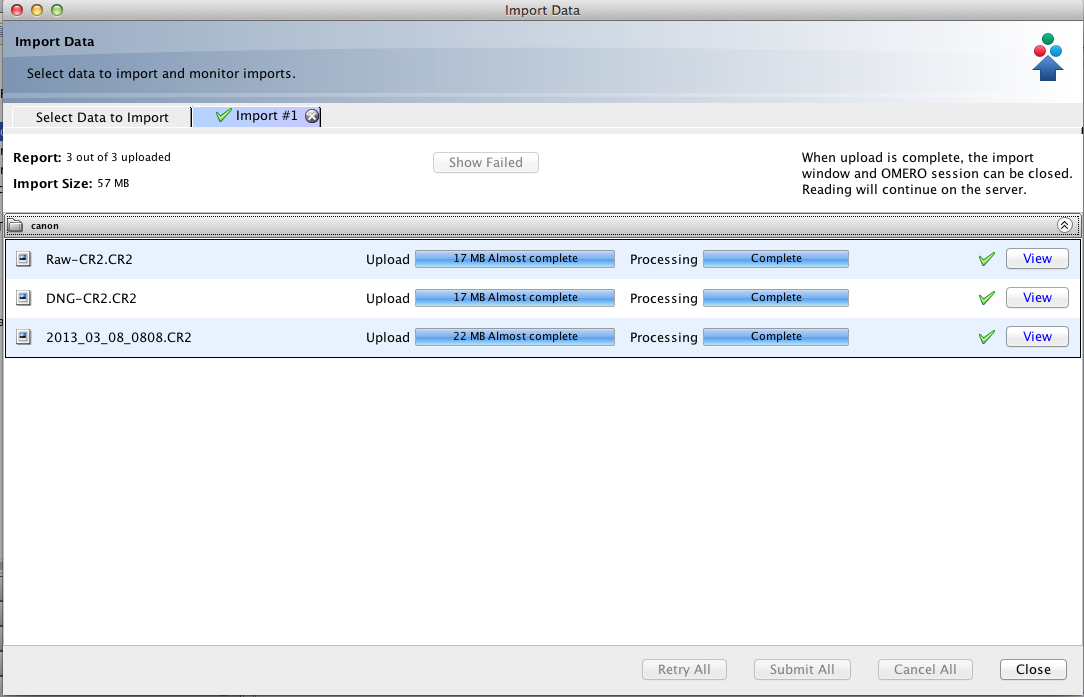
Tested on Gretzky. The test_images_good/canon folder was imported (user-6, read-write).
The problem with the thumbs nr. 2 and 3 is gone, all the rendering changes appear okay on thumbs, viewing okay as well.
The image nr. 1 is still not rendered, and has a clock placeholder, although the import is fully finished. This is the same in Insight as well as Web. Web reports "pyramids are being generated" - note that this is on Gretzky (develop).
See screenshot.
Changed 6 years ago by pwalczysko
Changed 6 years ago by pwalczysko
Changed 6 years ago by pwalczysko
comment:16 Changed 6 years ago by jamoore
- Milestone changed from 5.0.0-beta1 to 5.0.0-beta2
- Sprint changed from FS demo 4.x to OMERO 5 Beta 2 (1)
comment:17 Changed 6 years ago by pwalczysko
On Howe, everything works as expected now, including the first image in the folder. The pyramids there were genarated faster than on Gretzky (up till now still no thumb on Gretzky on the same image, although this import started sooner than the one on Howe). Also the rendering settings changes are being respected as expected on images 1, 2, and 3 on Howe.
comment:18 Changed 6 years ago by pwalczysko
Re-imported test_images_good/canon to Gretzky. Import successful. But in Insight, the clock placeholder are displayed on all three thumbs. I thought this is not expected on develop (import is fully finished).
Changed 6 years ago by pwalczysko
Changed 6 years ago by pwalczysko
comment:19 Changed 6 years ago by pwalczysko
the thumbs of image 2 and image 3 came up after ca 1 min. The thumb of image 1 still has clock.
comment:20 Changed 6 years ago by pwalczysko
Re-imported today on Gretzky. Works as expected. Closing the ticket.
comment:21 Changed 6 years ago by pwalczysko
- Resolution set to fixed
- Status changed from new to closed
comment:22 Changed 6 years ago by jburel
Thanks for testing











Did the problem still happen after a refresh? There is no notification that the pyramid is done